
Kin Contacts
Your address book, beautiful. A faster, warmer, more intuitive take on the Mac address book, working directly with the iCloud contacts you already have.
Submitted and awaiting Apple's review. This page gets the download link the moment it is live.
Everything in one card
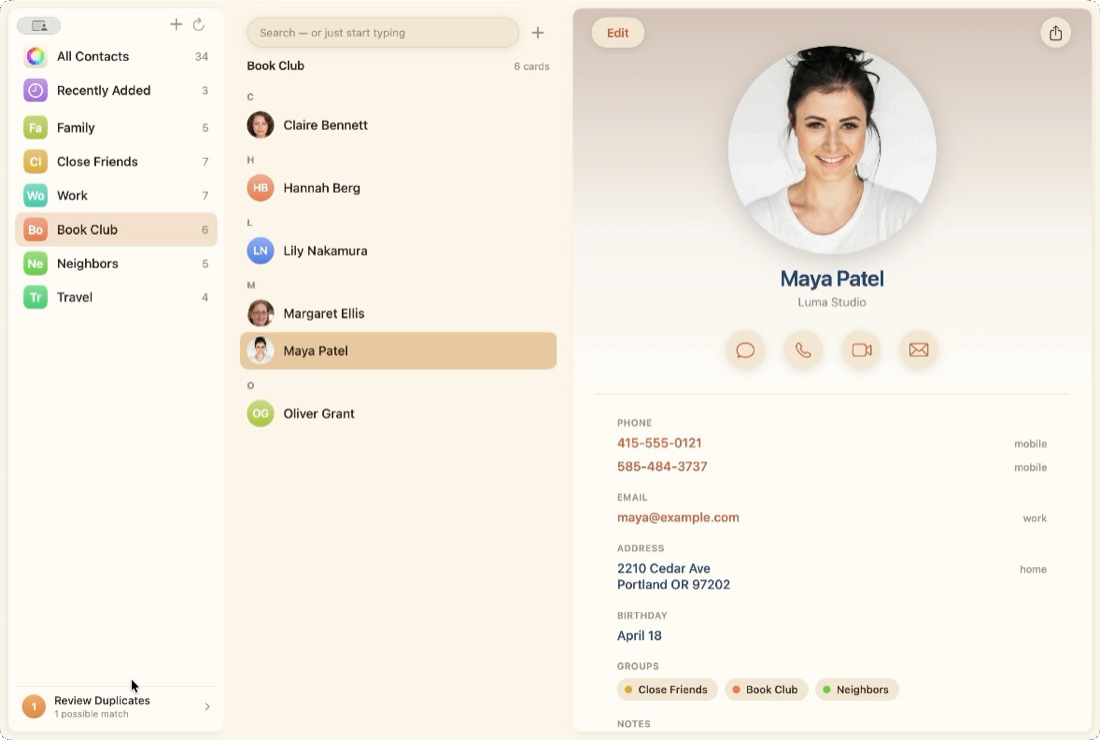
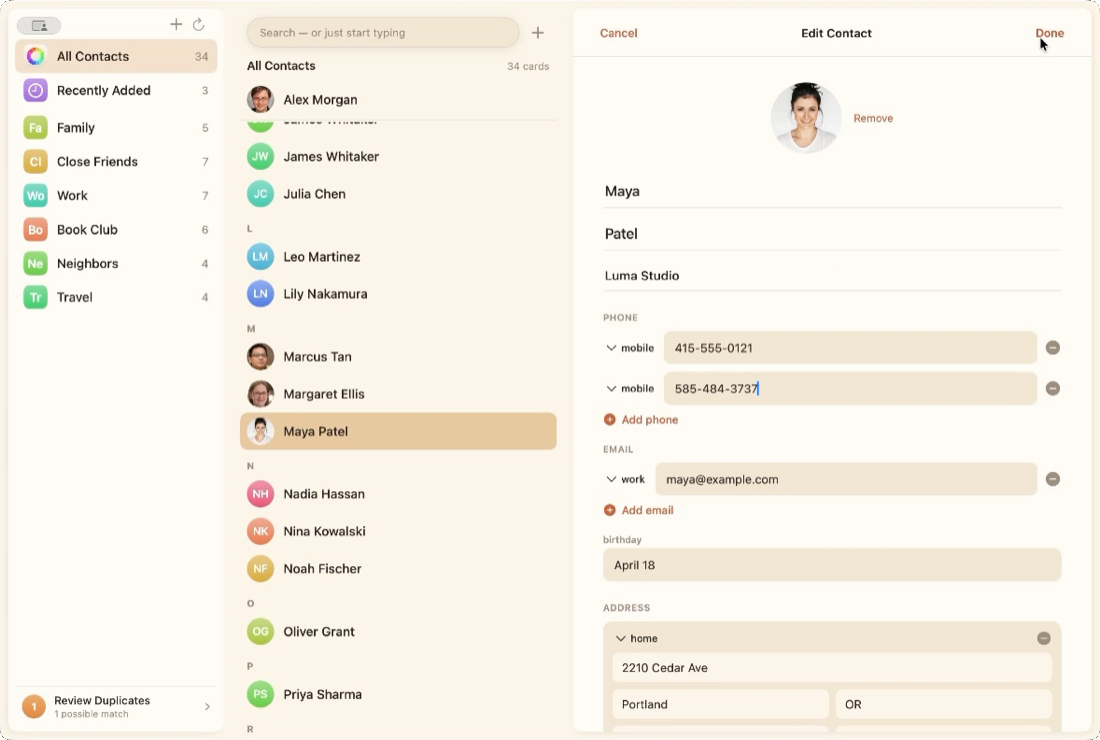
View and edit every part of a contact: phones, emails, postal addresses, birthdays, websites, social profiles, related names, and photos. Changes sync through iCloud to all your devices.
Organize without friction
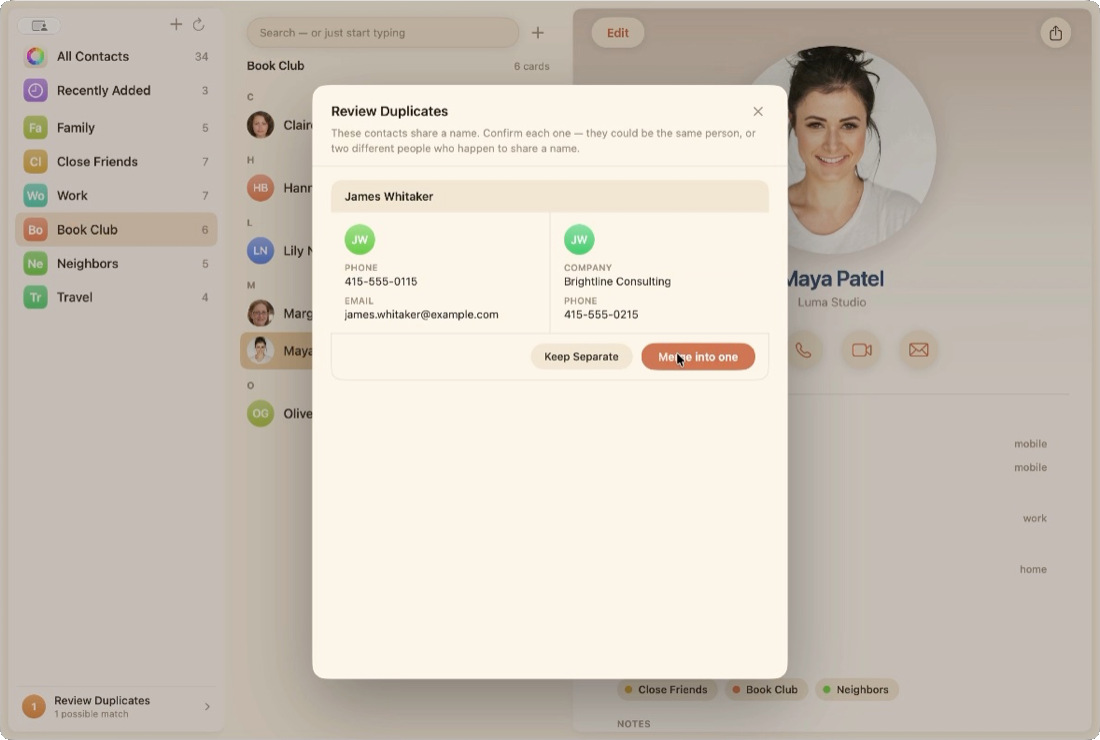
Drag contacts onto groups. Reorder groups by hand. Merge duplicates with a guided review. Undo anything with Command Z. And group changes stick: add someone to a group and they stay there, synced everywhere, reliably.
Capture contacts instantly
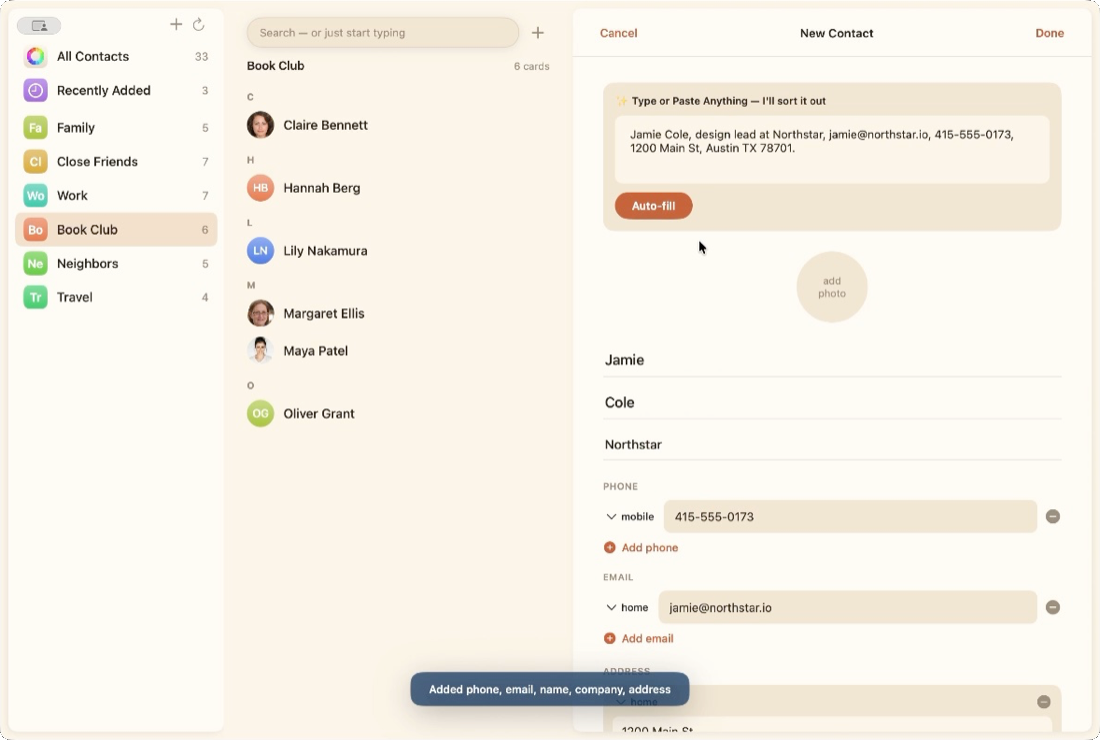
Paste a messy blob of text, an email signature or a text message, and Kin parses the name, company, phone, email, and address into a new card automatically.
Find anyone, fast
Just start typing. Search spans every field, ranks name matches first, and shows the top result as you type.
The details add up
A hundred small touches make the whole thing feel smoother: inline group naming, keyboard-first navigation, gentle color coding for every contact and group, a window that remembers exactly how you left it. Nothing to configure, nothing in your way.
Private by design
Kin talks only to your Mac's address book. Nothing is uploaded anywhere, ever. No accounts, no analytics, no network at all. Read the privacy policy.
A look around
Warm, quiet, and out of your way.
Requirements
macOS 14 or later. Works with the contacts already on your Mac, including iCloud, Google, and Exchange accounts you have set up in System Settings.